
Bacon and eggs anyone?
Have you been to a buffet breakfast recently? Did you overeat? Be honest…. A little or a lot? It is so tempting to fill the plate with fruit and yogurt, followed by bacon & eggs, finishing up with a couple of pancakes before finally squeezing in a pastry.
When we’ve paid for something we want to get our money’s worth. It’s tempting to do the same with DNS Firewall Threat Feeds. The subscription has been paid so it makes sense to utilize all the feeds at their highest level of security, right? Surely the more intelligence data you utilize, the safer your network and the happier your end-users will be?
Sadly this is not the case. You need to be strategic in your choice of feeds based on the following:
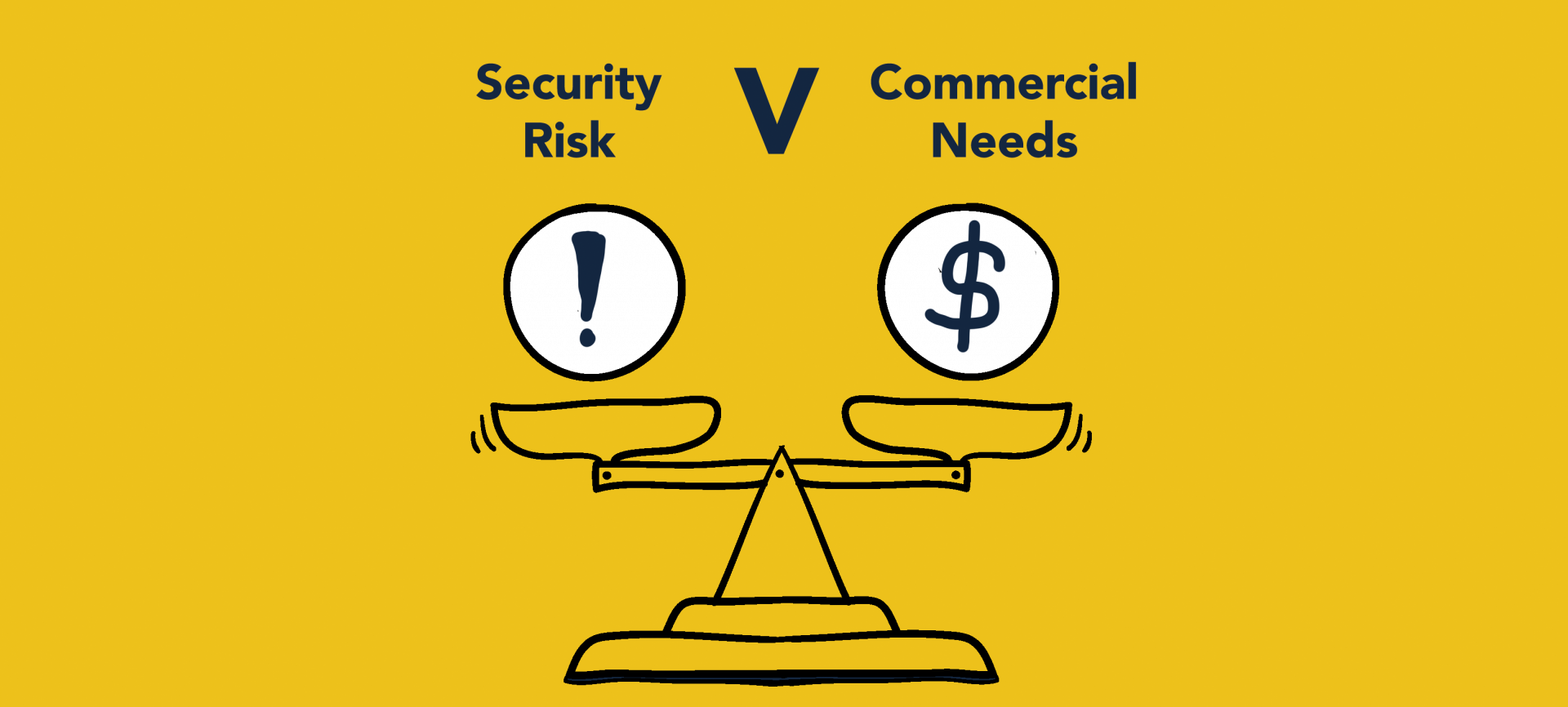
Take a look at the tales of two businesses below to understand what we mean:
The network carrier
An internet service provider (ISP), let’s call it KommuneeK8, uses DNS Firewall Threat Feeds. They have chosen to utilize every piece of data available in their response policy zones, i.e., all standard feeds and all hacked feeds.
KommuneeK8 has a domestic customer called Susie. Susie has an expectation (and rightly so) that she will always be able to access her favorite independent shopping website called Spinning Tunes, to purchase rare vinyl records.
Meanwhile, in another corner of planet earth, the shared hosting environment which Spinning Tunes’ website is hosted on has been compromised and is being used as part of a botnet command & control (C&C). As a result, the internet protocol (IP) address, on which Spinning Tunes’ domain resides has been listed on Spamhaus’ “BotnetCC IPS Hacked” feed.
The consequences of the listing are that Susie is unable to access the Spinning Tune’s website and has subsequently missed out on purchasing the rare Beatles Abbey Road 1987 UK LP pressed on red vinyl. Susie is not happy. So she calls her ISP to loudly express her dissatisfaction at the fact.
While KommuneeK8 had the best intentions of providing a safe browsing environment for their end-user, in this case, the IP listing of a shared resource is going to cause multiple false positives. Ultimately the ISP implemented security policies and chose DNS Firewall Threat Feeds that were too restrictive for their commercial needs.
Now let’s visit a healthcare provider…
The Healthcare provider
Frank works in the finance team of a large healthcare provider. He also wants to visit Spinning Tunes website, and like Susie can’t access it because his company is running DNS Firewall Threat Feeds.
Frank gets pretty frustrated and calls his IT help desk who remind Frank that he is using company property, on a company network, in company time to make a personal purchase! They advise him that healthcare has more breaches than any other sector, and the highest costs associated with stolen data records, therefore they have chosen to follow a low-risk strategy when it comes to cybersecurity. In this scenario, when you weigh up the risk to the company against service to the end-user, it’s perfectly acceptable for the healthcare provider to be utilizing the feeds that are likely to block all domains & IPs that have any potential risk associated with them. The healthcare provider’s IT security team understand that more sites than perhaps necessary may be blocked, but consider this to be a better outcome than their network being compromised.
Choosing the right DNS Firewall Threat Feeds for your business
As a security or network professional, you have the unenviable task of balancing business needs against the expectations of your end users. As this hypothetical example has shown, different businesses will have different needs and approaches.
In fact, different users within the same business present different risk profiles and may warrant different policies. Be clear about your business’ security profile. Get appropriate sign-off. Then communicate the selected approach to customer-facing support teams and, more importantly, end users.
Sign up for DNS Firewall Threat Feeds here.